Portable app · under 1 MB · no installer

Free screen recorder that captures clean MP4s.

Record your monitor, a single window, or any region you draw—all saved as MP4 or GIF with your choice of microphone and system audio. No account needed, no watermark on the output, and it runs portable from a folder.

No watermark everNo account neededFree and always will bev1.0
No watermarkPortable appMic + speaker audioHotkey controlFree forever
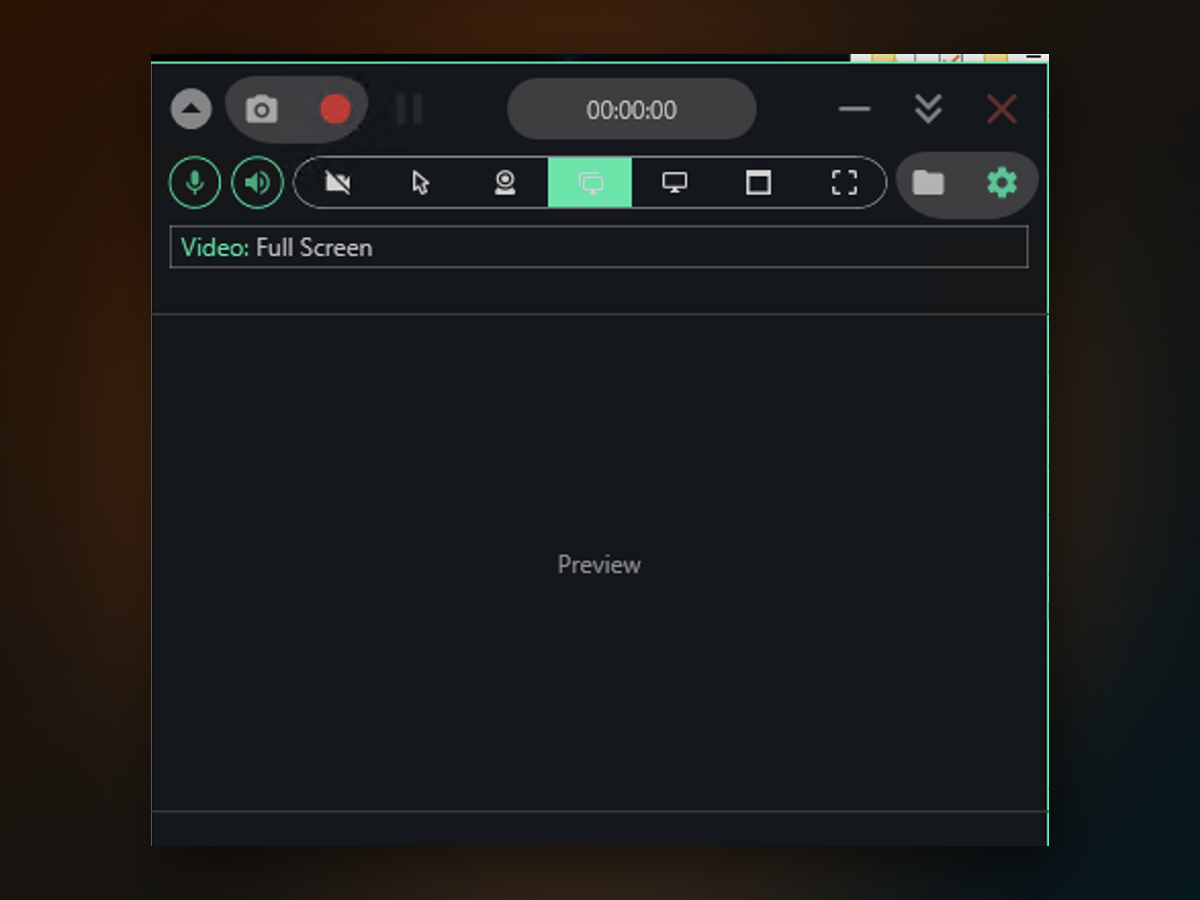
Free Screen Recorder PC app window on Windows
How to start

Get up and running in four steps.

First-time setup takes about a minute.

1
Extract and open the appUnzip the archive and launch the program from the folder it creates.
2
Pick what to recordChoose full screen, a window, a drawn region, or a specific monitor from the toolbar.
3
Toggle audio as neededClick the mic icon to record your voice, the speaker icon to capture system sound, or both.
4
Press the button and recordHit the red record button—or your configured hotkey—to start. Press stop when you're done. Your file appears in Videos\SwiftRec.
Why it's different

Why choose this over what Windows already has.

Built-in tools like Xbox Game Bar are handy for quick clips, but they skip File Explorer, lock you into full-screen capture, and bury their settings.

What you'll get
Inside the appFree Screen Recorder PC window

Your recordings come out crisp and ready to use.

The output is a standard MP4 you can drop straight into a video editor or upload to YouTube. If you need a GIF instead—for a bug report, a chat thread, or a quick documentation clip—the tool handles that in one step.

Both audio tracks at onceNarrate over music or dialogue already playing; the mic and system audio merge into a single file.
Keyboard and mouse visibleToggle keystroke and click indicators to show exactly what you're doing—useful for tutorials and walkthroughs.
Webcam bubble includedAdd your camera feed as a picture-in-picture overlay for reactions, screencasts, or talking-head content.
Common questions

Questions about Free Screen Recorder PC

Start recording without limits or sign-ups.

Download Free Screen Recorder PC now and capture your first video in the next minute.

Download for Windows
Latest release · v1.0